Zuba Broadband • SmartView

Network visibility for Starlink & Peplink enterprise sites

SmartView is offered by Zuba Broadband to help enterprises and service providers monitor terminals and routers across customer locations with clear usage, health, analytics, and reporting in one place.

Roadmap: broader network monitoring for IoT, servers, and power appliances.
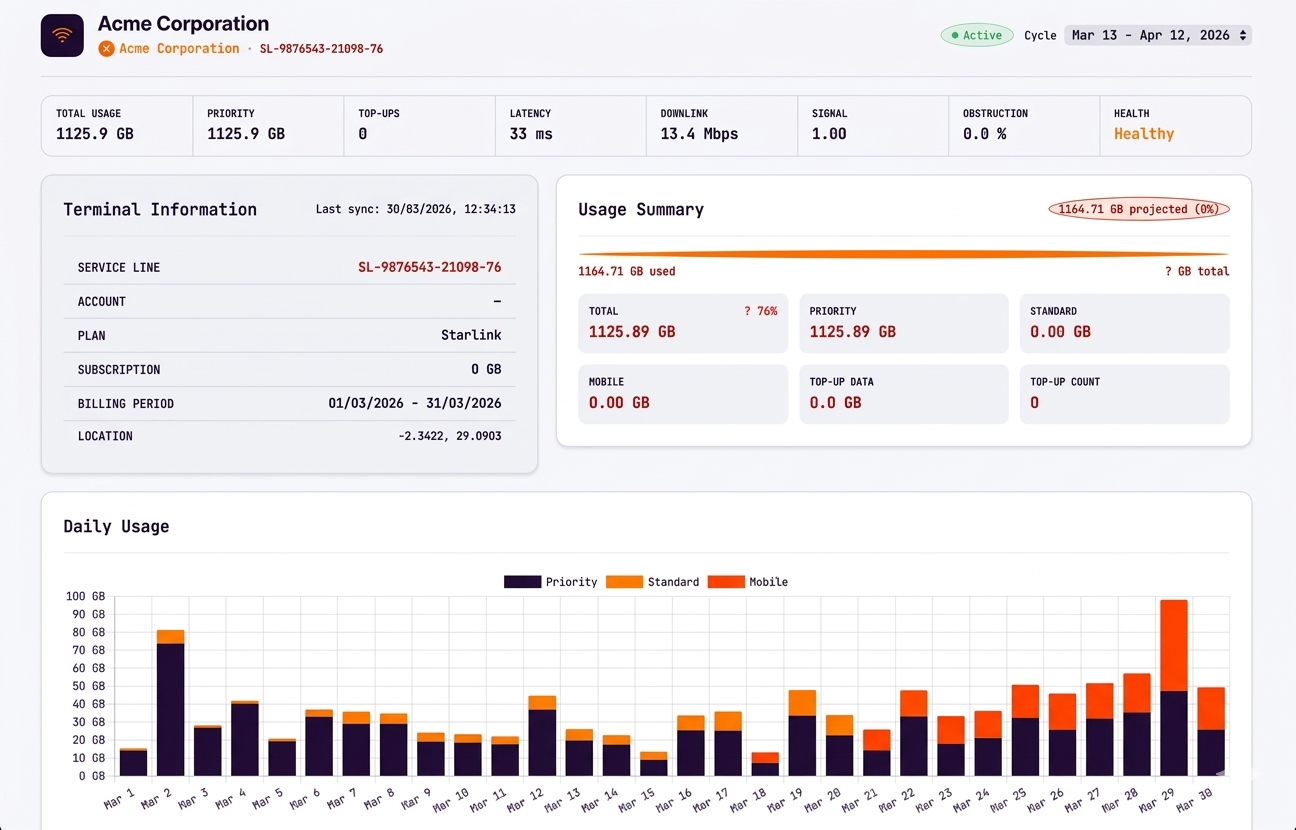
SmartView Starlink device detail screenshot
Starlink device detail: billing-cycle usage, health, and operational context.

Built for teams who run networks

A clean experience for resellers, enterprises, and operations teams—without exposing customers to internal complexity.

One platform, many customers

  • Manage multiple companies with clean separation and branded portals.
  • Monitor Starlink and Peplink fleets, quickly spot outages and usage spikes.
  • Deliver reports that reduce disputes and speed up billing conversations.
Primary view
Multi-tenant dashboards
What matters
Uptime + usage accountability

Enterprise visibility per site

  • See usage and health per terminal/router across all locations.
  • Know which applications and clients are consuming bandwidth.
  • Generate consistent reports for leadership and finance stakeholders.
Primary view
Company portal
What matters
Site-level performance

Faster troubleshooting

  • One place to check terminal/router status, clients, and usage trends.
  • Telemetry and historical context for better RCA.
  • Role-based controls so staff can explore safely.
Primary view
Device detail pages
What matters
Time-to-diagnose

Capabilities that stay focused

Starlink + Peplink are first-class. Broader network monitoring is coming—without distracting from what you need today.

Starlink operations

Starlink monitoring that stays aligned to reality

Track terminal status, billing-cycle accurate usage, and service health in one place so operations teams can act quickly and report with confidence.

  • Billing-cycle aligned usage visibility
  • Terminal health and service context
  • Designed for enterprise and remote sites
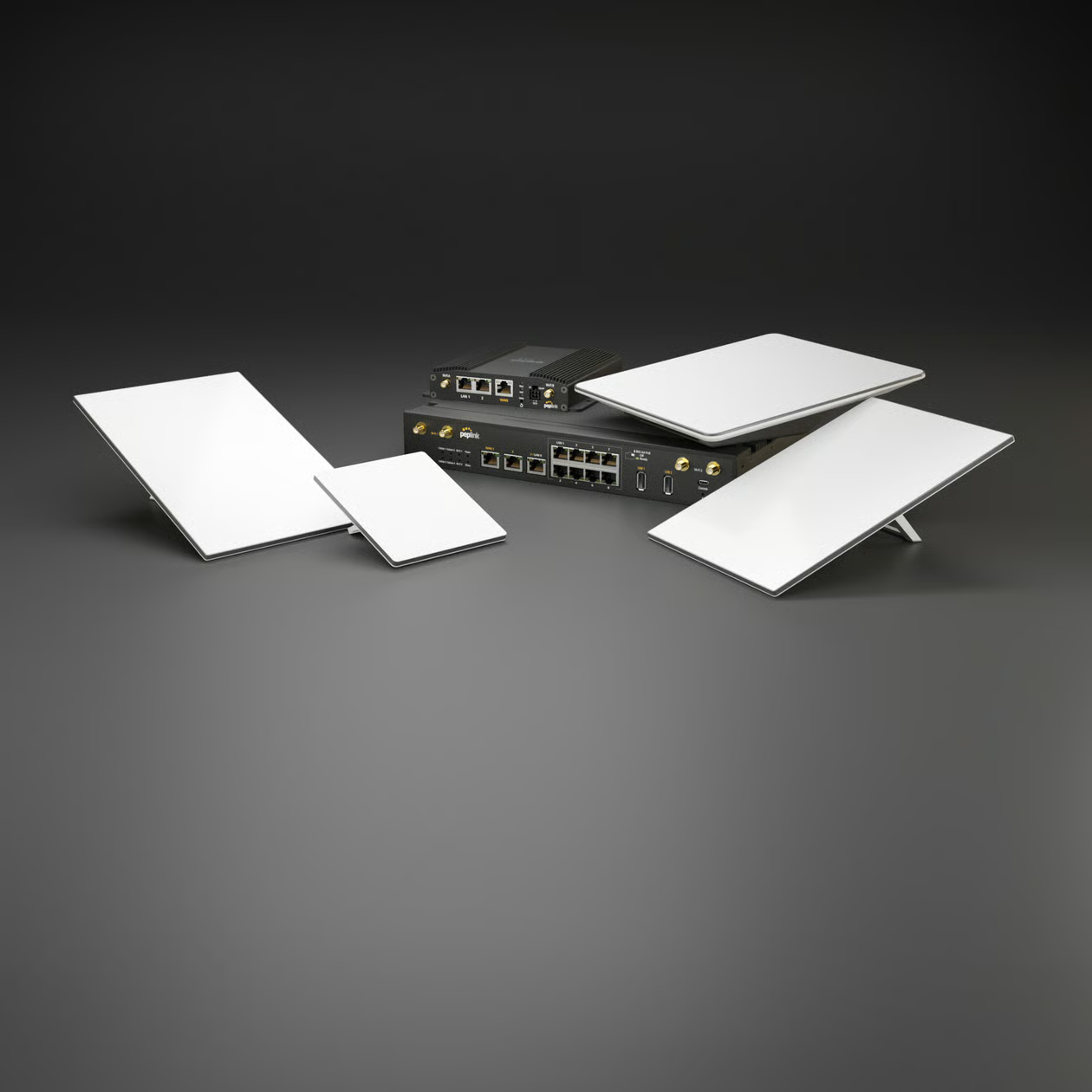
Starlink service

Peplink intelligence

Peplink visibility for faster troubleshooting

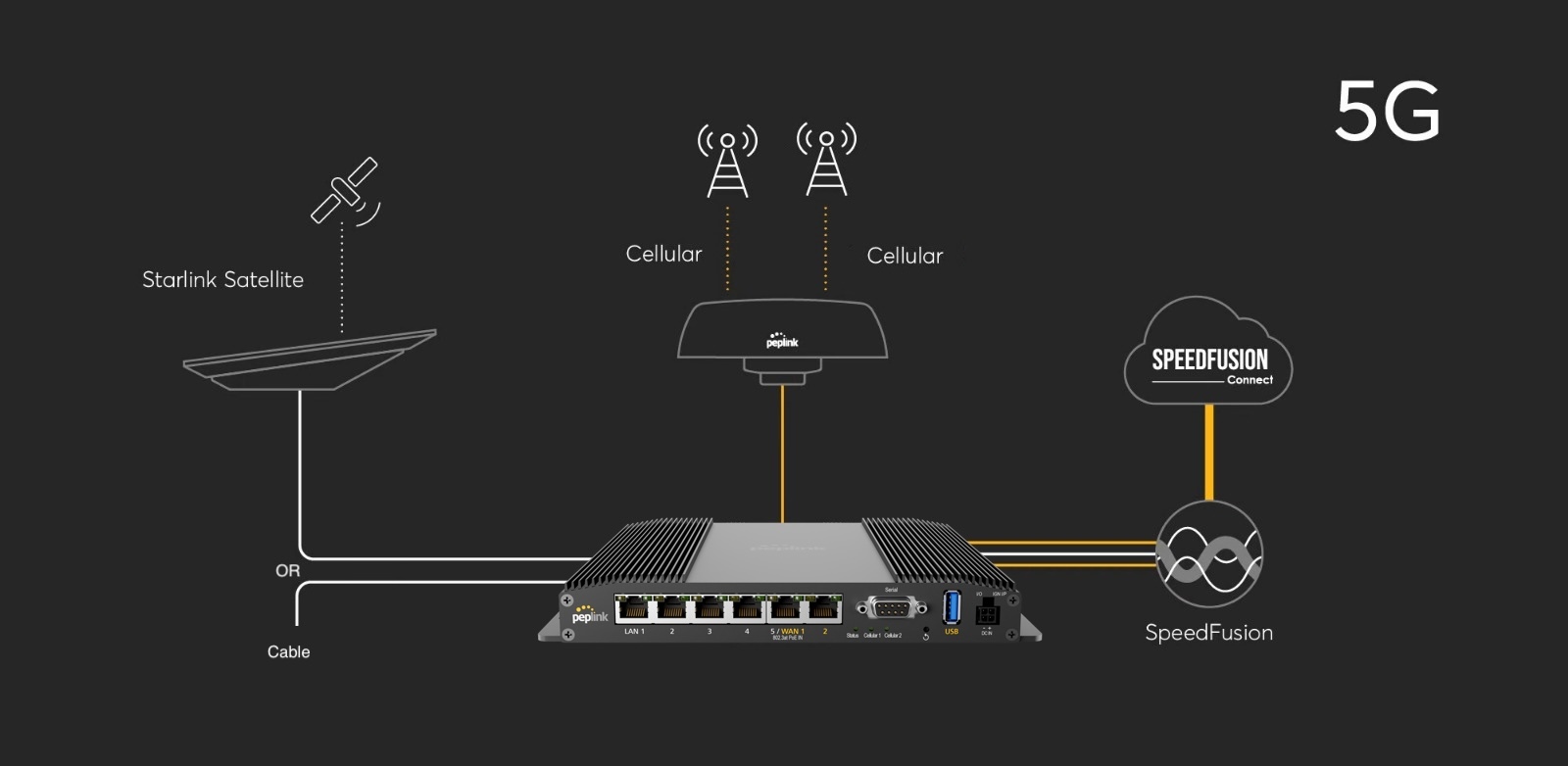
See connected clients, WAN activity, and application behavior so support teams can diagnose problems faster and communicate clearly with customers.

  • Connected clients and traffic visibility
  • DPI insights for application-level understanding
  • WAN health and performance per site
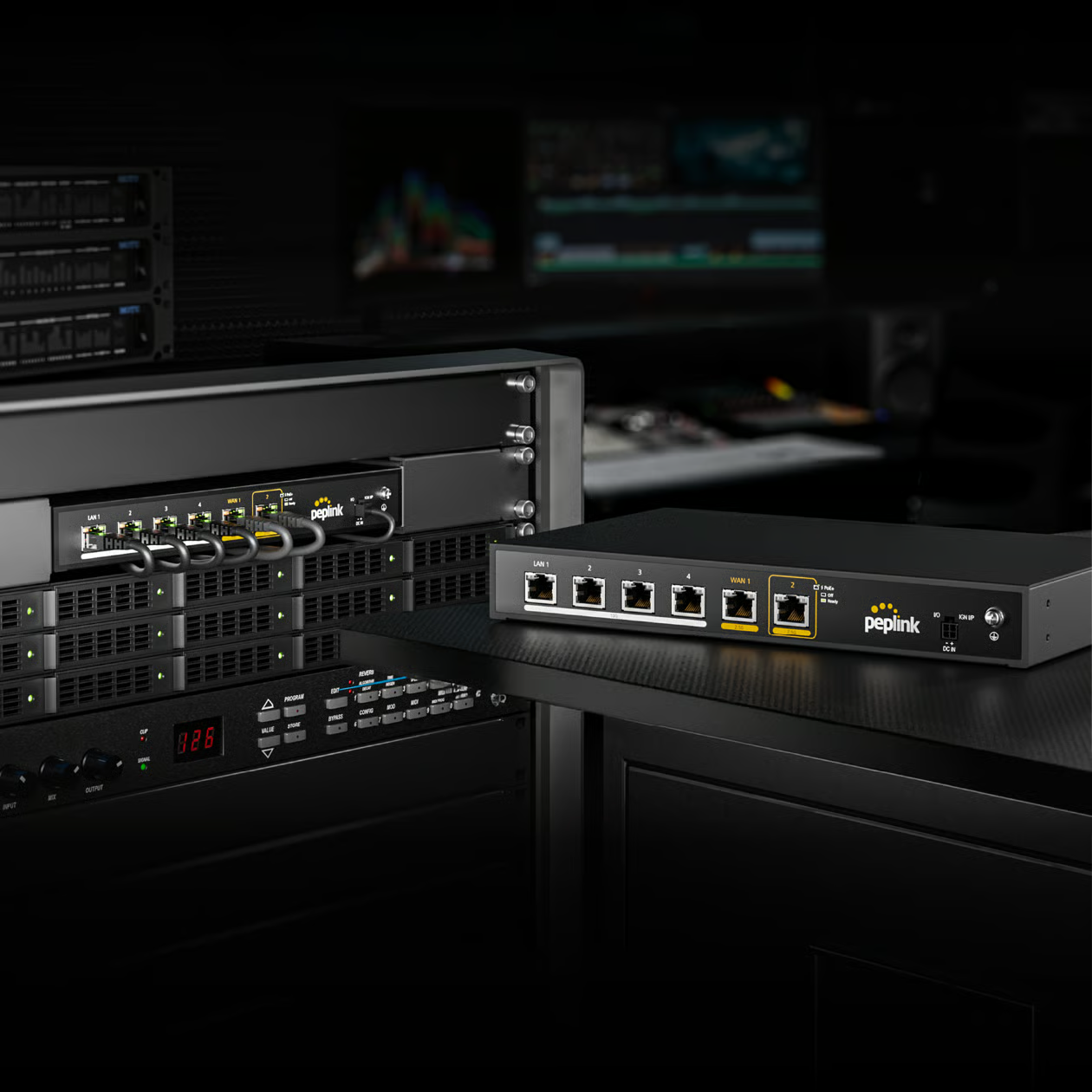
Peplink service

Multi-tenant SaaS

One platform, many customers, clean separation

Run platform, reseller, and company portals with role-based access and white-label branding so every audience gets the right experience.

  • Separate portals for each audience
  • Role-based permissions and access control
  • White-label ready customer experience
Multi-tenant platform

Reporting

Reports and analytics that customers can understand

Generate exports, scheduled reports, and dashboards that reduce disputes, improve accountability, and make performance easier to explain.

  • Operational dashboards and exports
  • Branded reports for clients and stakeholders
  • Historical visibility for better decision-making
Network analytics

Roadmap

Built to expand into broader network visibility

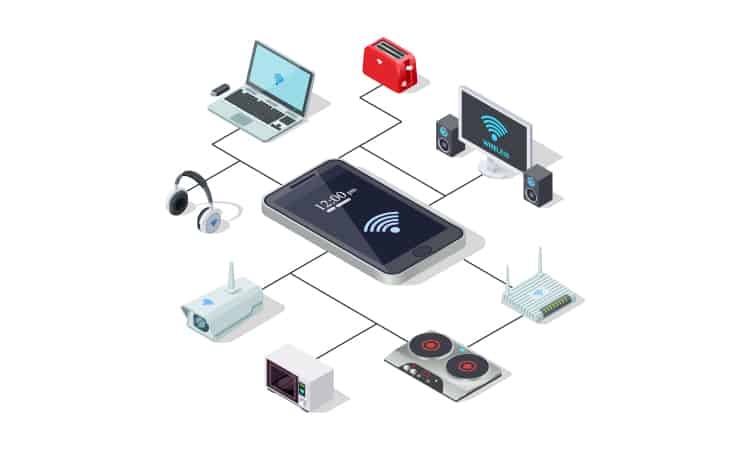
SmartView keeps the focus on Starlink and Peplink today, while laying the groundwork for visibility across wider enterprise network environments.

  • Supports growing operational requirements
  • Extensible foundation for future integrations
  • Natural path toward broader network monitoring
Peplink network

See it in action

A minimal tour of the dashboard—each view answers a specific operational question.

Always-on visibility

Terminal status + billing-cycle usage

Confirm what’s online, understand consumption, and align usage to the actual Starlink billing cycle—so reporting stays consistent.

  • Usage breakdown and totals you can trust
  • Service status and last-seen context
  • Designed for enterprise site operations
Starlink device detail screenshot
Starlink device detail view.

Fleet intelligence

Clients, applications, and WAN usage

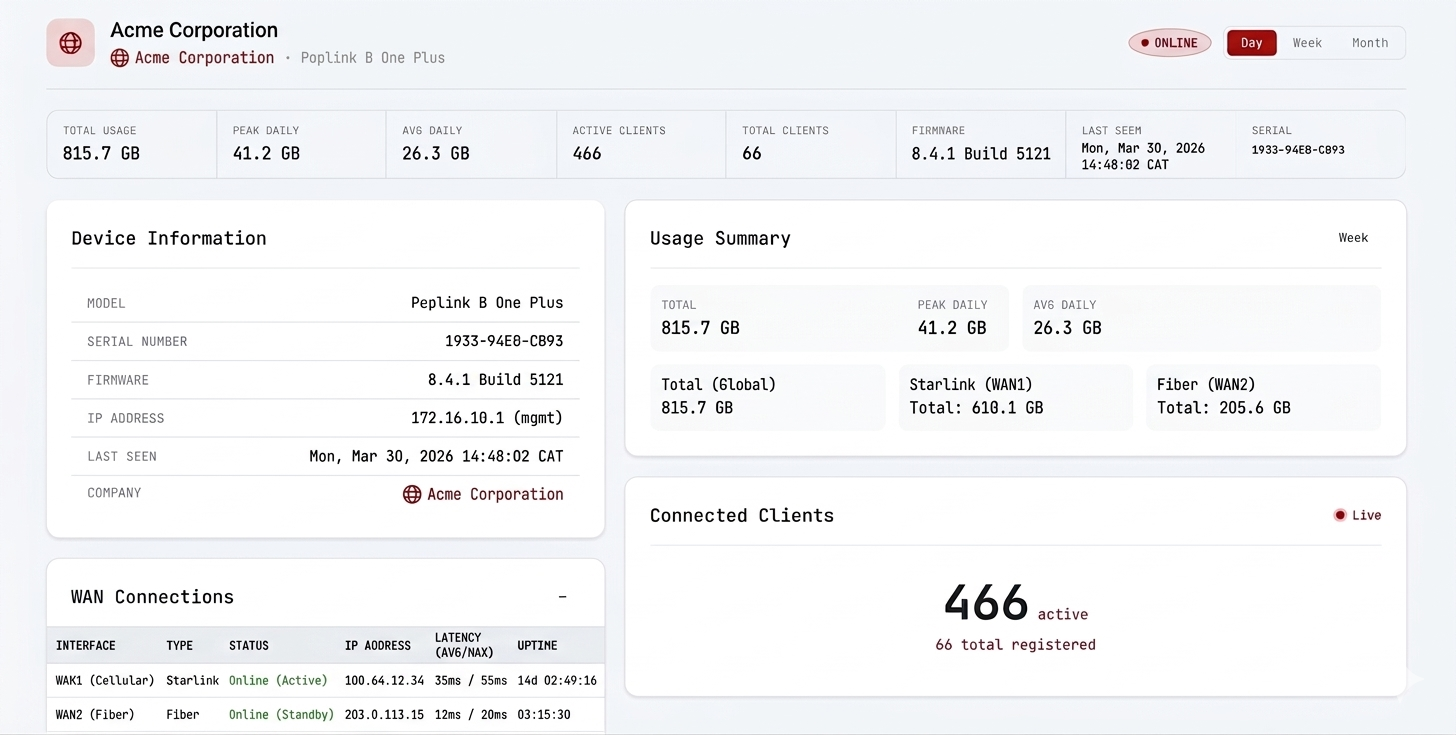
See who’s connected, which applications are using bandwidth, and how each WAN is performing—so troubleshooting is fast and objective.

  • Connected clients + activity
  • DPI application insights
  • WAN usage and health per site
Peplink device detail screenshot
Peplink visibility view.

Operational context

Trends that explain the “why”

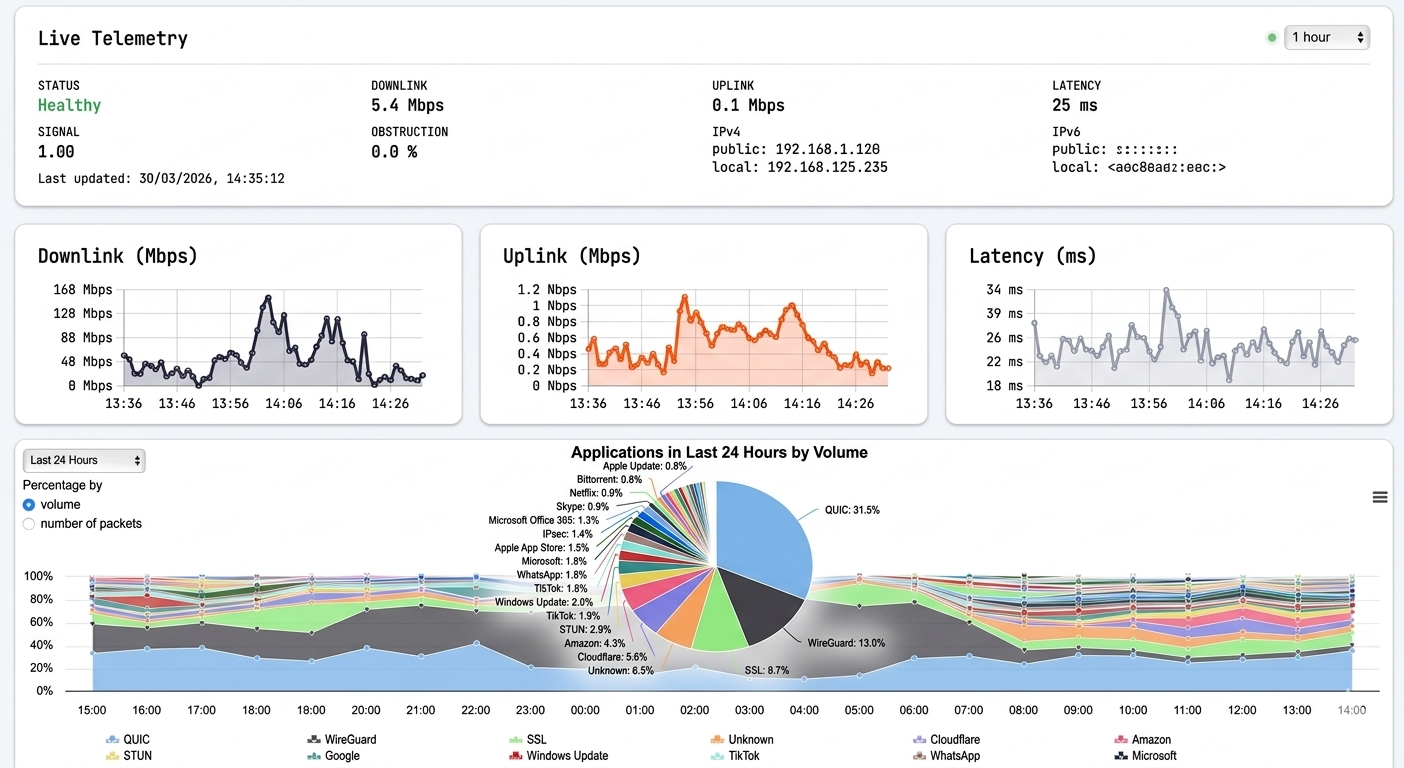
Telemetry and history help you spot patterns, compare time windows, and communicate performance clearly—especially during incident reviews.

  • Trend views for operational context
  • Clear visuals for stakeholders
  • Roadmap: broader network monitoring
Telemetry screenshot
Telemetry and trend view.

How it works

A clear setup path that scales from one site to an entire fleet.

1
Connect

Add Starlink and/or Peplink credentials and sync your fleet into SmartView.

2
Assign

Assign devices to companies and control access with roles—reseller and client portals stay clean.

3
Monitor & report

Track usage and health, review analytics, and generate or schedule branded reports.

Security & access control

Built for multi-tenant operations where trust and separation are non-negotiable.

Tenant isolation

Reseller data and client data are separated by design across portals and APIs.

Role-based access

Platform staff, reseller staff, and company users only see what they should—permissions are configurable.

Audit-friendly workflows

Operational changes and actions can be traced through structured logs and audit events.

Safe testing mode

Disable email sending when staff are experimenting so clients never receive accidental messages.

Frequently asked questions

SmartView is designed to be clear for both operations teams and customer-facing teams. These answers focus on the questions people usually ask before adopting it across multiple sites.

Who is SmartView for?

SmartView is built for platform operators, resellers (ISPs, MSPs), and their end-customer companies. Resellers can manage multiple companies and devices; companies get their own portal to view their Starlink and Peplink gear.

What can I monitor?

Starlink: terminal status, billing-cycle usage, and service health. Peplink: device status, connected clients, DPI (application) data, and WAN usage. Dashboards and reports are available per company and per device. Whole-network monitoring (IoT, servers, power appliances) is on the roadmap.

Is usage aligned to the Starlink billing cycle?

Yes. SmartView is designed to keep usage aligned to each terminal’s billing cycle so the numbers you see match operational and reporting expectations.

How is access controlled?

Access is role-based. Platform staff manage resellers; reseller staff manage companies and devices; company users see only their organization’s data. Permissions can be tailored per role.

Can staff test without emailing clients?

Yes. Email sending can be disabled in a safe test mode so staff can explore configuration without accidentally sending reports or notifications to clients.

Can we use our own domain?

Resellers can use subdomains. Custom domains for platform and portals can be supported depending on your deployment.

How do I get started?

Log in with your platform or reseller account. If you’re a new reseller, contact the administrator to get onboarding access. Once in, add companies, link Starlink and Peplink devices, and start monitoring.


About SmartView

SmartView is Zuba Broadband’s platform for monitoring and reporting across enterprise sites using Starlink and Peplink. It’s built for clarity, multi-tenancy, and reliable operations.

We keep the focus on what matters day-to-day: knowing what’s online, what’s consuming bandwidth, and how to communicate that clearly to customers and internal teams.

Ready to get started?

Log in to your SmartView account. For access or onboarding, contact sales@zubabroadband.com. For support, email itsupport@zubabroadband.com.